See the difference
Drag the slider to compare the original photo with its new background.

 Before
After
Upload a photo and our AI cuts out the subject in seconds. Then pick any color or picture as the new background.
No image? Try one of these:
JPG, PNG or HEIC, up to 30 MB. Uploaded photos are deleted automatically within 1 hour. Privacy Policy
Drag the slider to compare the original photo with its new background.
Before
After
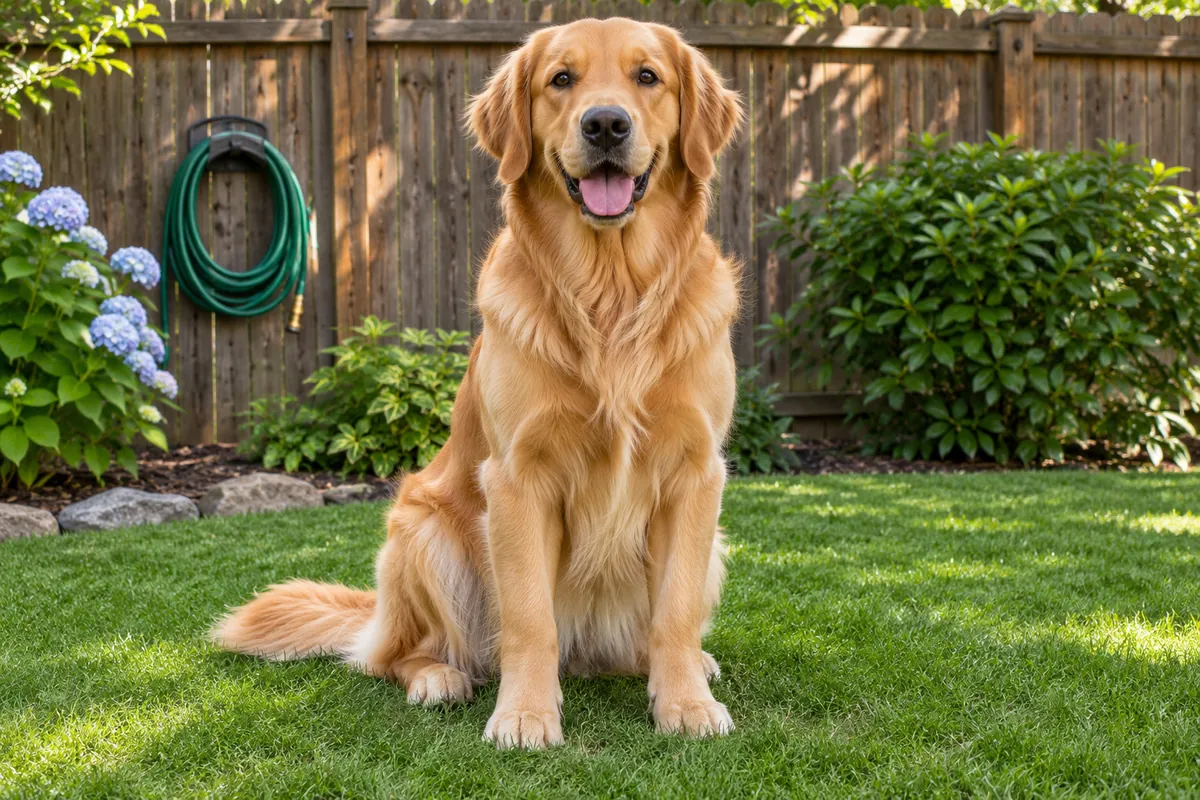
Our clever AI automatically removes the background for you in seconds.
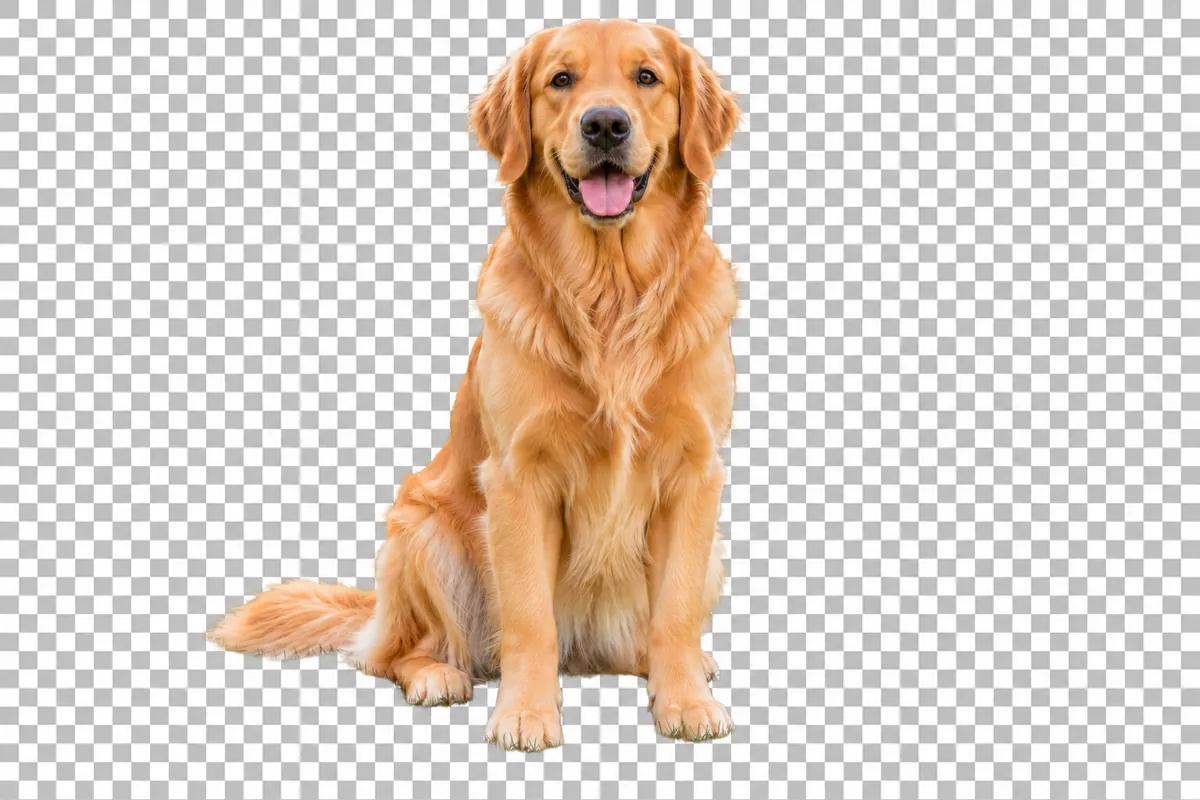
You can download the transparent background image to use in editing software.

You can select a color background or upload another image as the background. We will change the background for you.
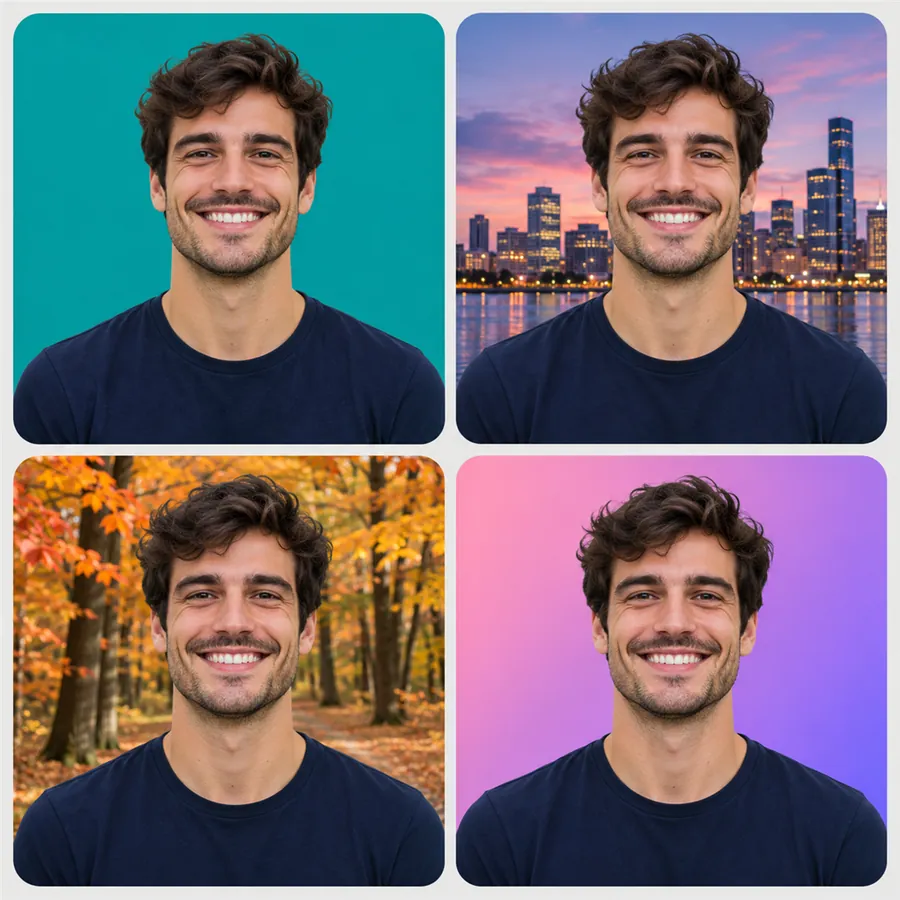
Choose a solid color, a gradient, a blurred version of your photo, a picture from our gallery or one of your own.
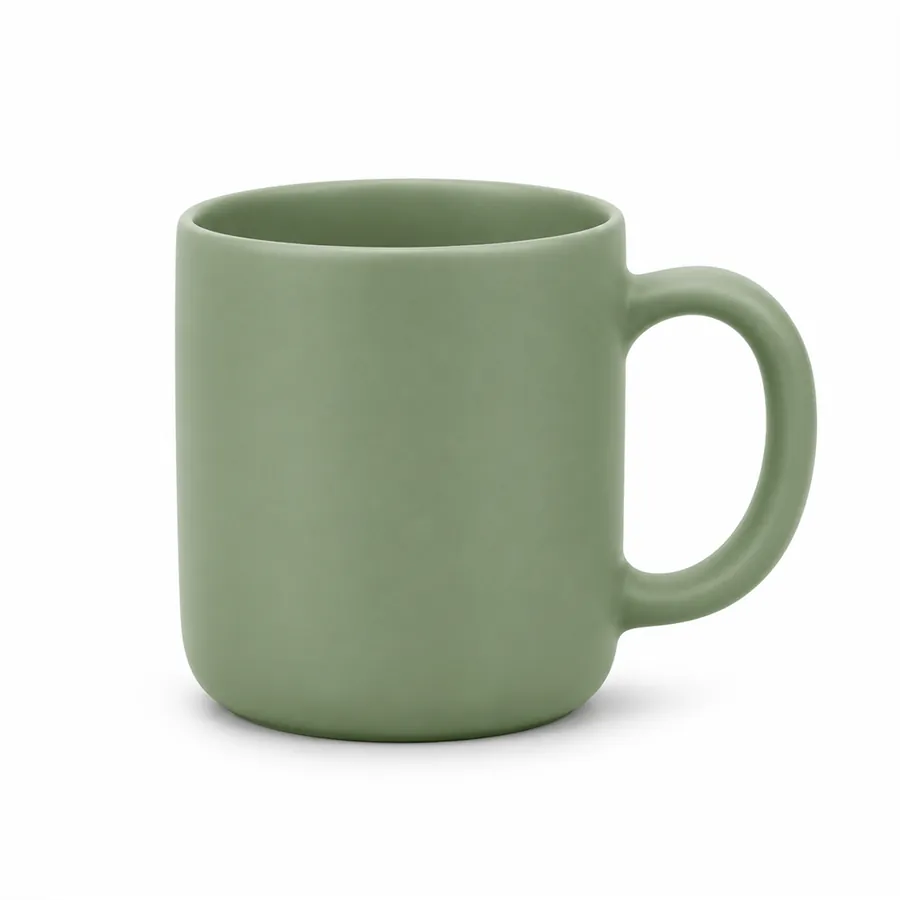
Put products on a pure white background, ready for online shops and marketplaces.

Give portraits a clean studio background for social media, CVs and team pages.
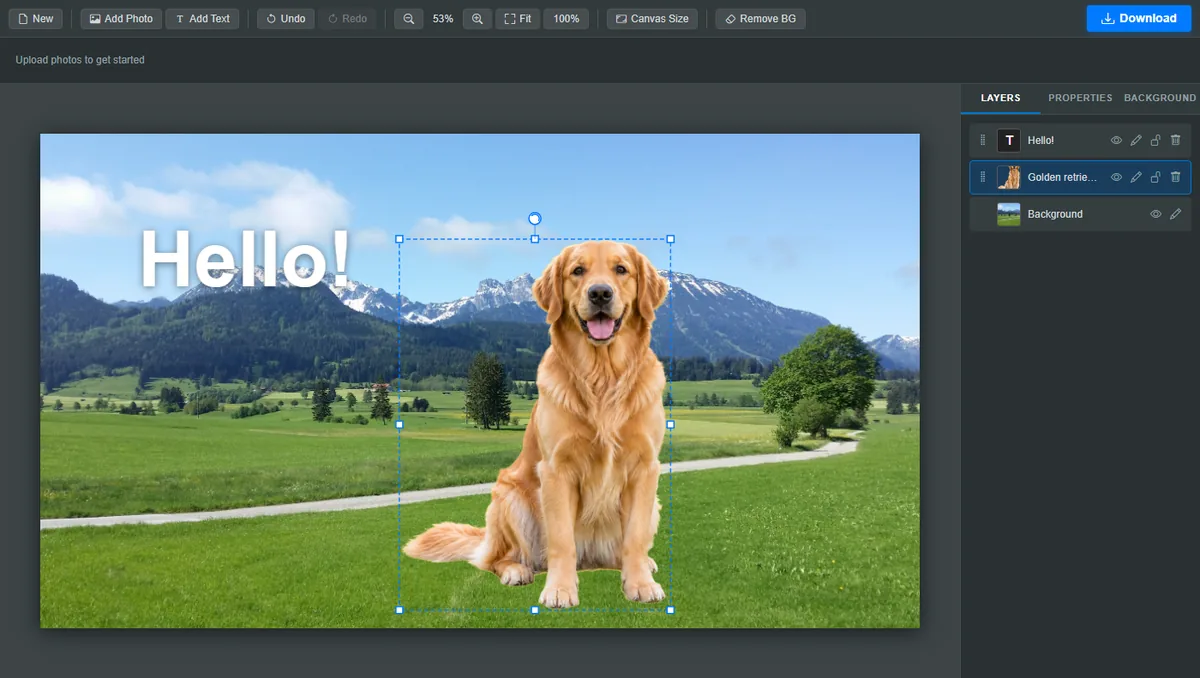
Our free online editor lets you combine photos, add text and download the result as PNG, JPG or WebP.
Open the editorFree tools for everything else your photos need.
Yes. Removing and changing backgrounds is free, and you can download a preview of the result for free. Full-resolution downloads use credits.
JPG, PNG and HEIC photos up to 30 MB.
A solid color, a gradient, a blurred version of the original background, a photo from our gallery, or an image you upload.
Uploaded photos are deleted automatically within 1 hour. Privacy Policy
Yes. ChangeBackground works in the browser on phones, tablets and computers, with nothing to install.


